


WooCommerce Subscriptions Plugin
Original price was: $279.00.$2.99Current price is: $2.99.
WooCommerce Subscriptions Plugin
WooCommerce Subscriptions Plugin
WooCommerce Subscriptions Plugin
Let customers subscribe to your products or services and pay on a weekly, monthly or annual basis.
WooCommerce Subscriptions features
Free trials and sign-up fees
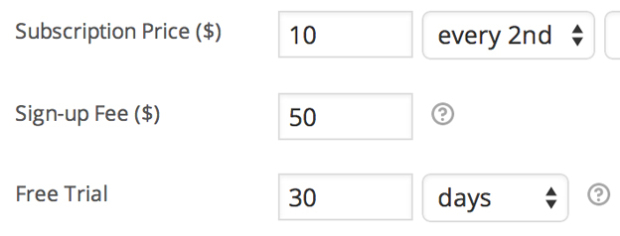
Charge an initial amount to account for customer setup costs, or allow customers to try before they buy, by adding sign-up fees and free trials to any subscription product.
Subscription management
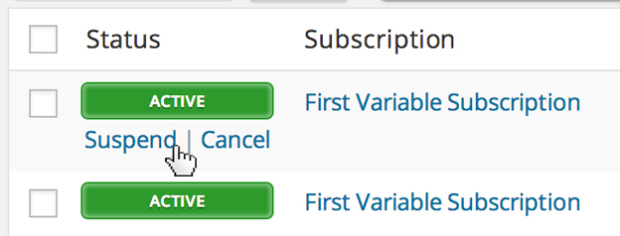
Store owners get full-featured subscription management via the WooCommerce > Edit Subscription screen in your WP Admin dashboard. You can suspend or cancel a subscription, change the trial expiration, add items, shipping, fees or taxes to the subscription or modify the recurring total for future payments.
Synchronized payments
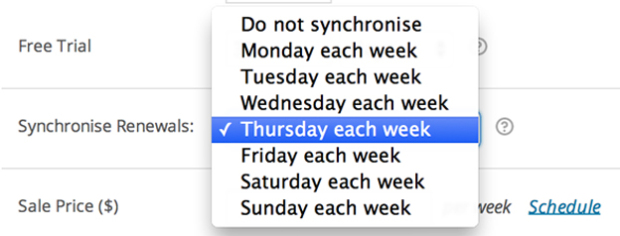
If you only want ship on certain days of the month, or align all customers to the same annual membership term, you can with WooCommerce Subscriptions’ renewal synchronization feature. You can even prorate the first payment of a synchronized subscription purchase.
Flexible product options
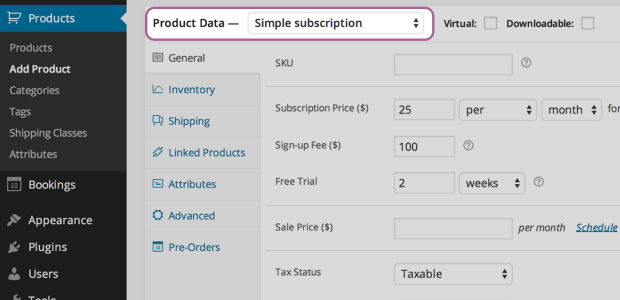
When creating a subscription product, you can make the product downloadable, virtual or physical, charge renewal payments weekly, monthly or annually, limit the product to one-per-customer and even charge shipping only on the initial order.
Subscription coupons
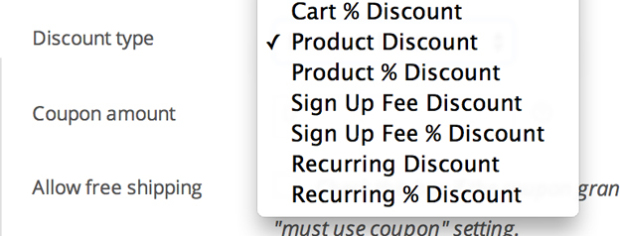
Offer customers a discount on their monthly payments or only the sign-up fee. Subscriptions includes both recurring discount coupons and sign-up fee coupons.
Variable subscriptions
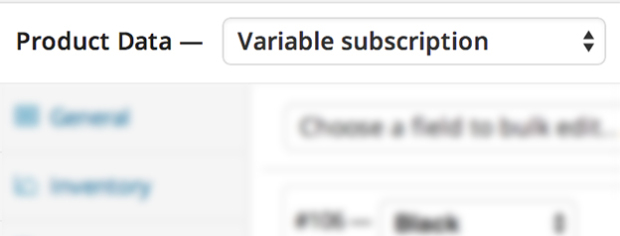
Create variable subscription products and allow your customers to choose a subscription that suits their needs. You can even allow customers to choose their own billing schedule.
Subscriber account management

Your customers can also manage their own subscriptions. With the My Account > View Subscription page, subscribers can suspend or cancel a subscription, change the shipping address or payment method for future renewals and upgrade or downgrade their subscription.
Upgrades/downgrades
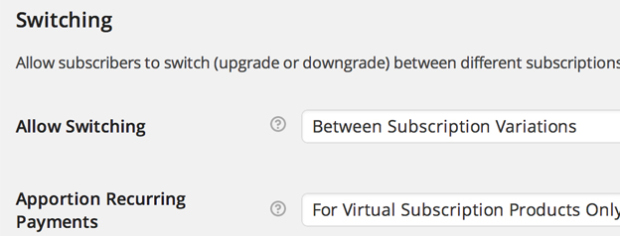
Allow customers to upgrade, downgrade or cross-grade between different subscription products. With flexible proration options for the recurring amount, sign-up fee and length, you can also customize the costs of switching to a new subscription product to suit the needs of your store.
Multiple subscriptions

Your customers can also purchase different subscription products in the same transaction and Subscriptions will group the products to reduce the payment gateway fees and logistical overhead for their future renewals.
Customer emails
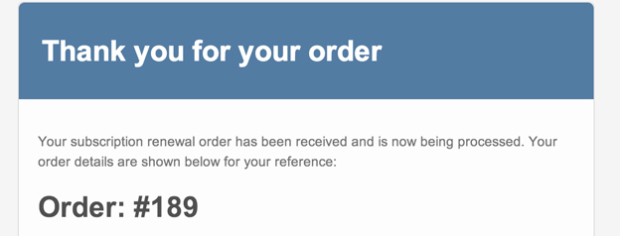
Automatically notify customers when a subscription renewal payment is processed, a subscription is cancelled or when a subscription has expired with built-in subscription emails.
Only logged in customers who have purchased this product may leave a review.
How to Install or Update a Plugin
- Login to gplbaba.com and download the Zip file for the plugin you wish to install.
- Login to your WordPress site.
- Go to Plugins and then Select Add New Plugin.
- At the top of the screen, Press the Upload Plugin and then Choose File.
- Please Open and Check Each Zip File for Nested Zip Files Before Uploading.
- Extract it If There is Any Other Zip Inside.
- Select a.zip file with the plugin that you want to add.
- Select the “Install Now” button.
- Once installed, press the “Activate” button.
How to install or Update a theme
- Login to gplbaba.com and download the Zip file for the Theme you wish to install.
- Login to your WordPress site.
- Go to Appearance and then Themes.
- At the top of the screen, press the Add New and then the Upload Theme button.
- Please Open and Check Each Zip File for Nested Zip Files Before Uploading.
- Extract it If There is Any Other Zip Inside.
- Select a.zip file with the theme that you want to add.
- Select the “Install Now” button.
- Once installed, press the “Activate” button.
- Make sure if you may have to add additional Theme-related Plugins. If so, please follow the instructions above for plugin installation.
Why are the Themes and Plugins so affordable on GPLBABA?
- All WordPress items, such as plugins and themes, are licensed under the General Public License (GPL).
- This means that once we have purchased the item, we are free to redistribute it if we choose to do so.
- Your purchase of our site goes towards maintaining and buying new products for 3rd party themes and plugin authors.
- This crowd funding helps keep prices low, and we can then pass this benefit on to you.
- Our product doesn’t include premium support. That’s why we can offer up to 95% discounts on must-have commercial WordPress themes and plugins.



Reviews
Clear filtersThere are no reviews yet.